Managing users
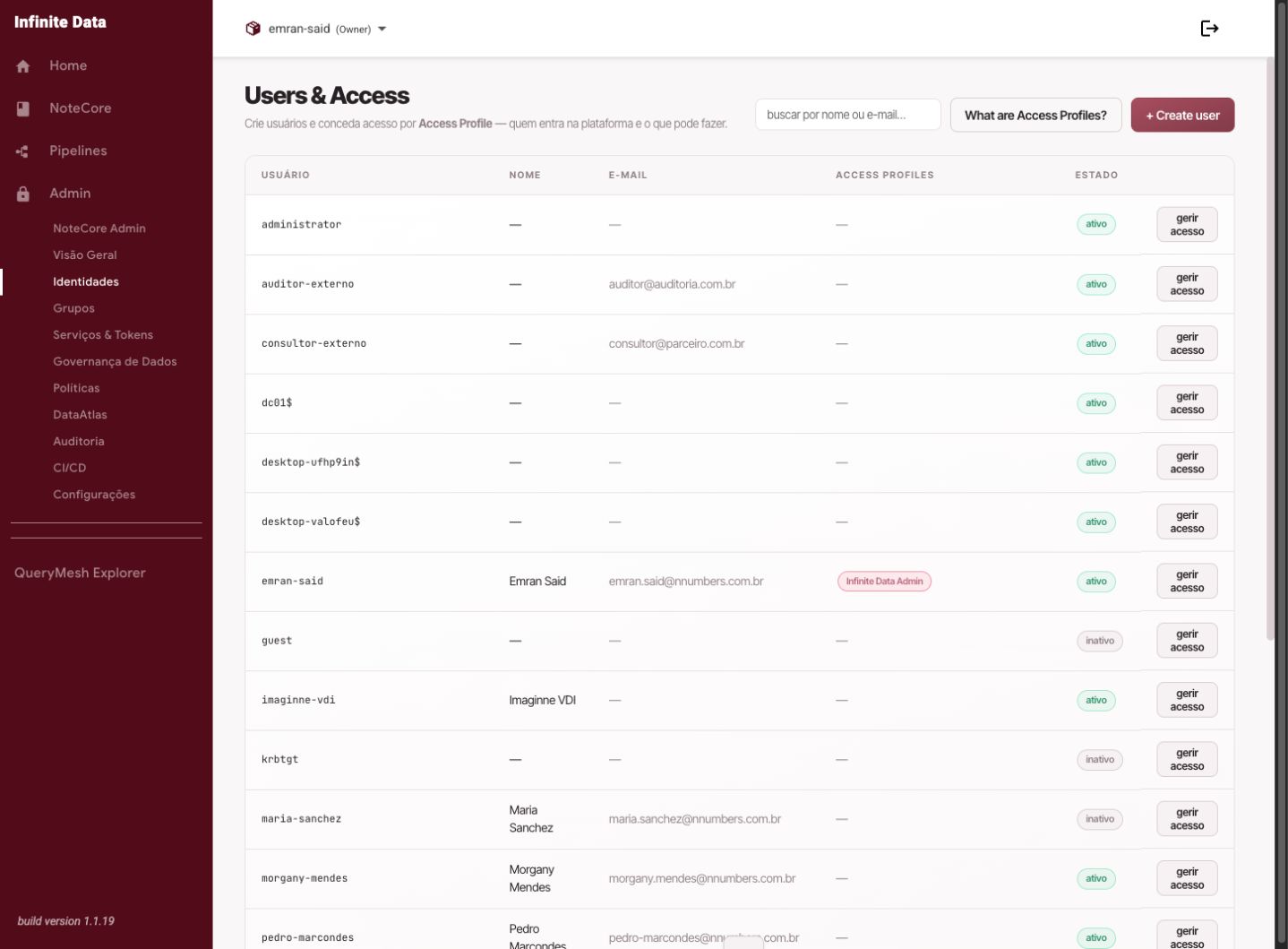
Create, update, enable, or disable the people who use the Infinite Data Console.
When to use this
- Use it when someone joins, changes function, or leaves the organization.
- Use it to correct registration details.
- Use it to pause someone's access without removing their history.
Before you start
- Have a user administration role.
- Confirm the person's name, email, and area.
- Decide which groups or roles they should receive.
Step by step
- Open Users, Groups, and Profiles.
- Go to the user list.
- Use search to find an existing person, or click to create a new one.
- Fill in or review the user's details.
- Assign groups and roles according to their function.
- Save the changes.
- Tell the person when the access is ready.
What happens next
- The person sees the areas compatible with the role assigned.
- User changes are recorded in the audit trail.
- Data access also depends on the data rules attached to the user or group.
Common errors
- Duplicate user: search before creating one.
- A person with no group: they can sign in to the Console without being able to work.
- An active user after departure: disable them or remove their access, per your organization's process.
Good practice
- Use groups as the default way of granting responsibilities.
- Review active users periodically.
- Keep registration updates separate from granting access to sensitive data.
Next steps
Was this page helpful?
Report a problem on this pageDo not send passwords, keys, tokens, or customer data.