Managing groups
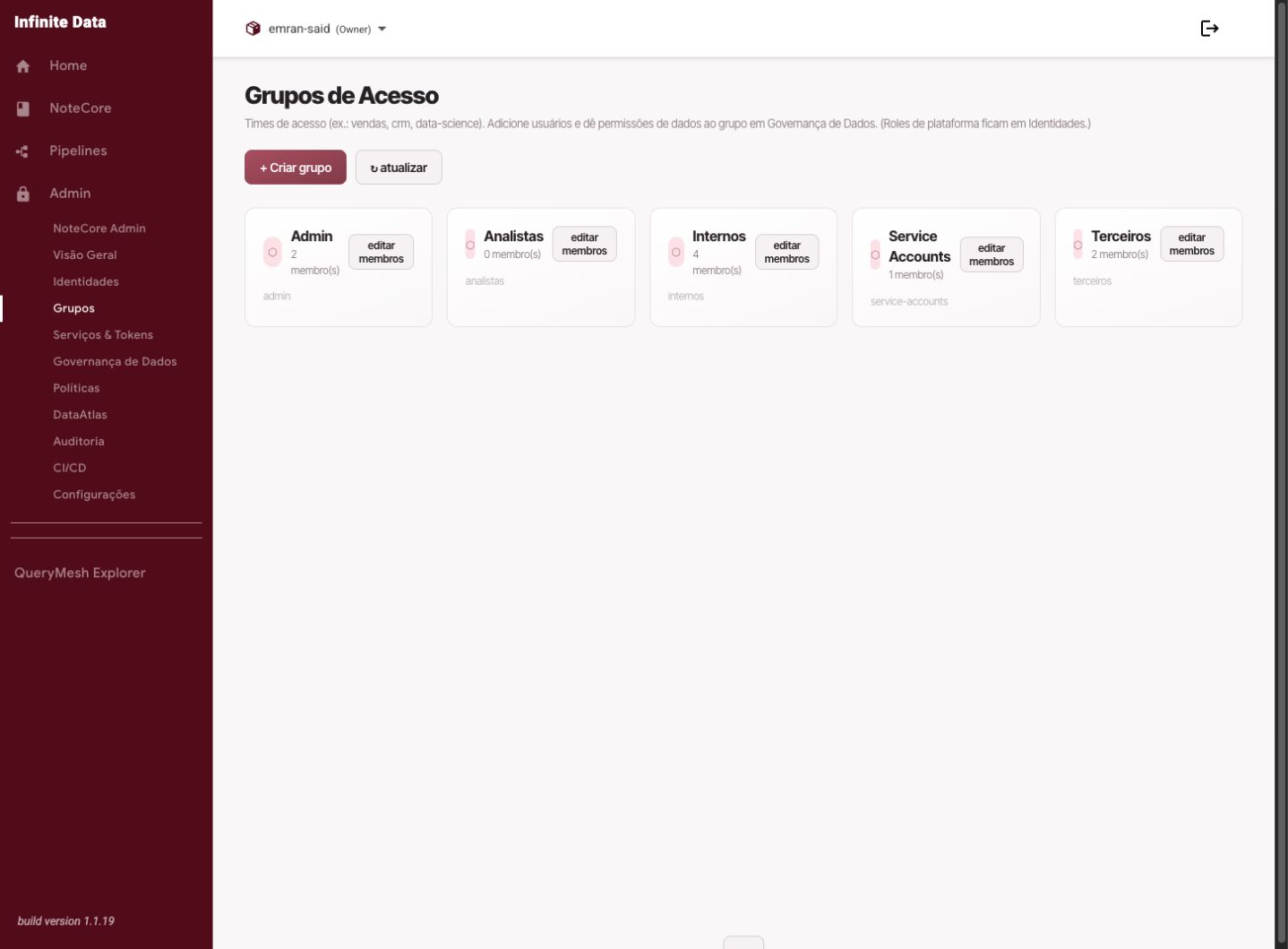
Use groups to organize people with the same responsibility and make access grants consistent.
Important — a shared rule belongs to the group
When several people need the same access to data, create or reuse a Group and attach the Data Rule to that group. Then grant or withdraw access by adding and removing members. That avoids duplicate rules for the same catalog, schema, and table.
When to use this
- Use it when several people need the same kind of access.
- Use it to represent a team, a function, or a project.
- Use it to reduce individual grants that are hard to review.
Before you start
- Define the group's purpose.
- List the initial members and who is responsible for reviewing them.
- Choose a clear, stable name.
Step by step
- Open Users, Groups, and Profiles.
- Go to the groups area.
- Create a group or open an existing one.
- Add the members you need.
- Remove members who are no longer part of that responsibility.
- Attach roles or data rules to the group when the access is shared.
- Save and review the summary.
What happens next
- The group's members inherit the responsibilities and access attached to it.
- Membership changes are recorded in the audit trail.
- Changes can take a short propagation period before they show up in data access.
Common errors
- A group with a generic name: it makes auditing harder.
- Former members left in the group: review periodically.
- Using a project group for permanent access with no review.
- Creating one data rule per person for the same data set: use a single rule for the group.
Good practice
- Name groups by function or business domain.
- Keep someone responsible for reviewing the group.
- Prefer groups over recurring individual exceptions.
- Use the group as the control point: the rule stays the same, and the membership changes.
Next steps
Was this page helpful?
Report a problem on this pageDo not send passwords, keys, tokens, or customer data.