Exploring catalogs, schemas, and tables
Learn to navigate the available data to understand where each piece of information lives before writing a query.
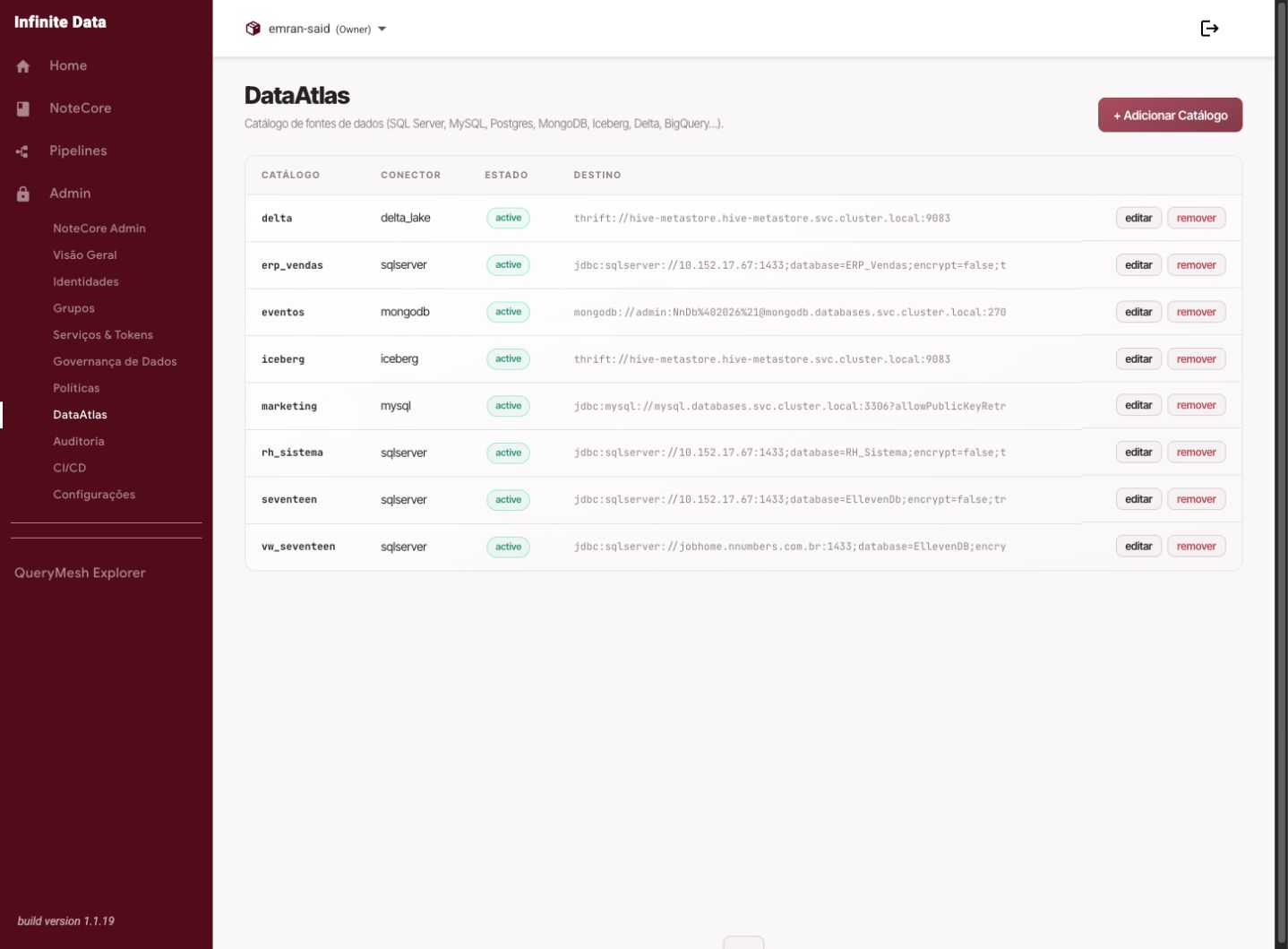
When to use this
- Use it when you do not know which table to query.
- Use it to understand how data is organized by catalog, schema, table, and column.
- Use it before requesting access to a data set.
Before you start
- You need access to the Infinite Data Console.
- Have a clear business question.
- If you know part of the table or column name, use it in the search.
Step by step
- Open Data Catalog or QueryMesh Explorer.
- Select the catalog related to the data domain.
- Expand the schemas to see the available tables.
- Click a table to see its columns and context information.
- Compare names, descriptions, and columns before choosing the table.
- If the table looks right, move on to querying or requesting access.
What happens next
- You will know which table to use and which access may be missing.
- If querying is allowed, the table can be used in QueryMesh Explorer.
- If access is missing, your request to the manager will be more precise.
Common errors
- The table does not appear: you may be in the wrong catalog, or without access to the metadata.
- Columns appear but the query fails: you may be able to see metadata and not yet query the data.
- Many similar tables: check with the data owner before requesting broad access.
Good practice
- Start from the smallest data area that answers the question.
- Use full catalog, schema, and table names when asking for help.
- Avoid querying tables without understanding what the main columns mean.
Next steps
Was this page helpful?
Report a problem on this pageDo not send passwords, keys, tokens, or customer data.