Data you can find, query, and account for
Infinite Data brings together the catalog, governed querying, access rules, auditing, and lineage in a single console — for people who query data, for people who grant access, and for people who have to prove what happened.
This is the official documentation for users, access managers, auditors, and administrators of Infinite Data. Each guide is a task: what to do, what to expect, and what to do when things do not go as planned.
Choose where to start
Sign in to the console and understand what your role allows.
Start →Usage rolesQuerying, governance, auditing, or administration — what each one does.
See the roles →Navigating the consoleThe menu's areas and what lives inside each one.
Explore →Access problemsAn area that does not appear, an empty list, access denied.
Resolve →Explore by responsibility
Exploring catalogs, running SQL, saving scripts, and reviewing history.
Open →Data CatalogDiscovering what exists and knowing whether you need to request access.
Open →Data GovernanceAccess rules, column masks, row filters, and expiry.
Open →Users and groupsPeople, groups, and roles — and how to review access.
Open →Service accountsAccess for systems, with rotation and revocation.
Open →Audit and lineageInvestigating actions, queries, and access decisions; exporting evidence.
Open →Notebooks with NoteCoreWorkspace, notebooks, and querying data in the analytical environment.
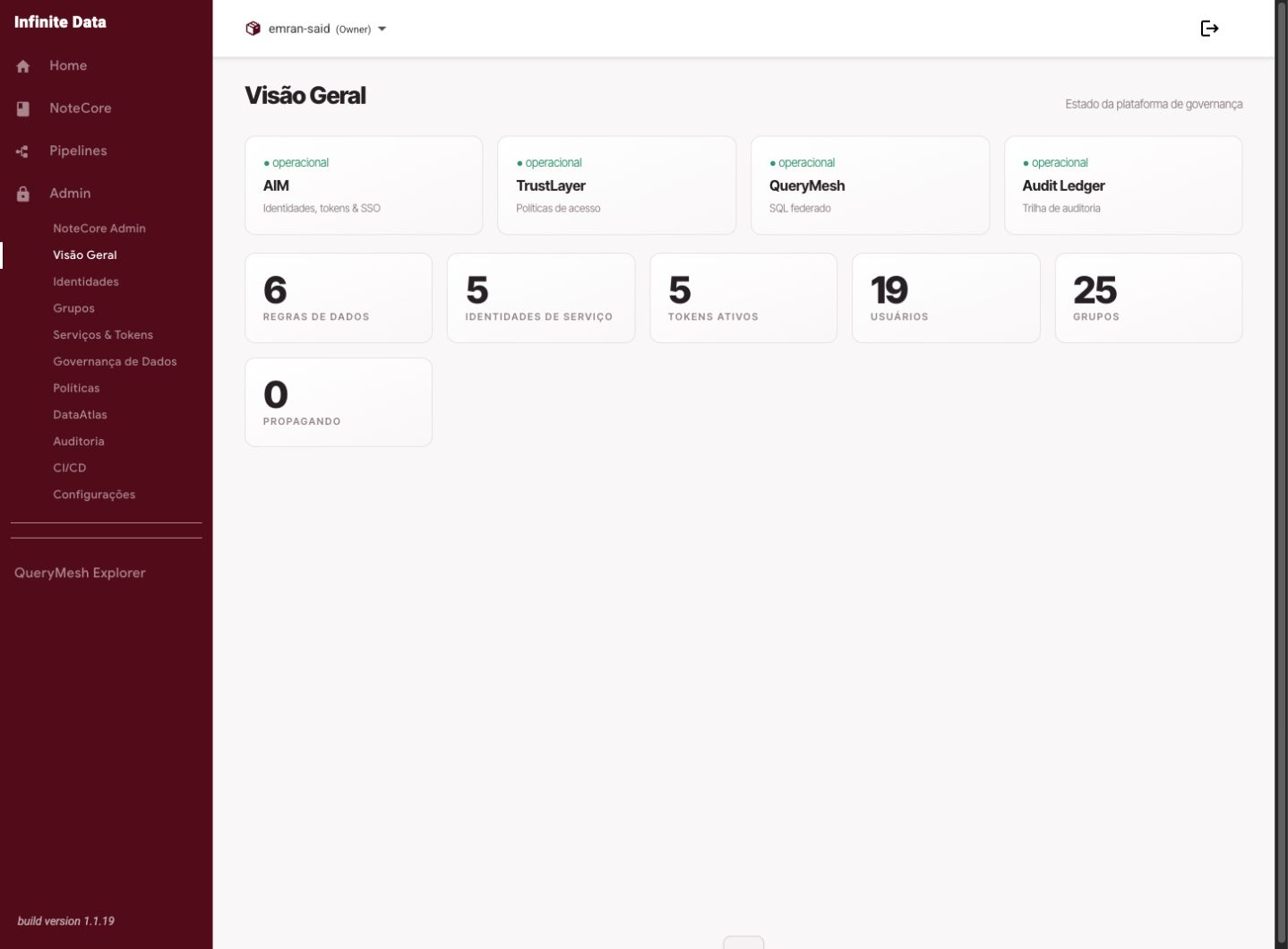
Open →Environment administrationModule status, change propagation, and diagnosis.
Open →In Infinite Data, discovering a piece of data and accessing it are separate things. The catalog shows what exists across the organization; access to the content depends on a data rule — and every decision is recorded for auditing.
Was this page helpful?
Report a problem on this pageDo not send passwords, keys, tokens, or customer data.