Creating a service account
Create an automation identity with an owner, a purpose, and controlled access.
When to use this
- Use it when an integration needs to reach data in Infinite Data.
- Use it when a recurring routine should not depend on a person.
- Use it to replace shared credentials with a traceable identity.
Before you start
- Have a role that lets you administer service accounts.
- Define the name, owner, purpose, and review deadline.
- Know which data the automation needs to query.
Step by step
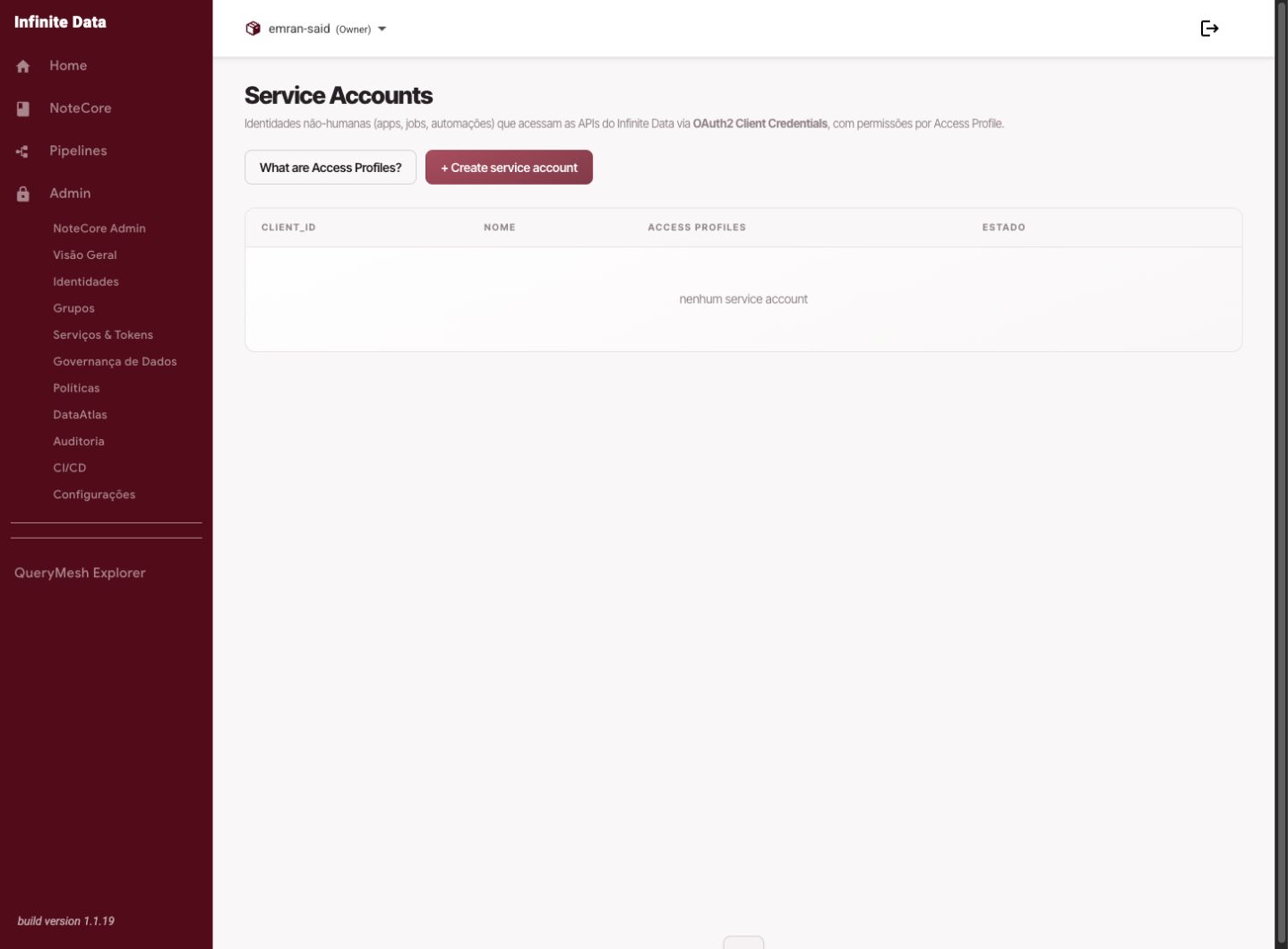
- Open Service Accounts.
- Click to create a new account.
- Enter a name and description with a clear purpose.
- Attach the responsible owner.
- Assign the roles needed.
- Save the account and copy the secret only at the moment it is shown.
- Store the secret in the location your organization approved.
What happens next
- The account becomes available for the automation to use.
- The secret has to be protected and rotated according to your organization's policy.
- Its creation is recorded in the audit trail.
Common errors
- Losing the initial secret: you will have to rotate it.
- Creating an account with no description: it makes future review harder.
- Granting data access before validating the purpose.
Good practice
- Create one account per relevant automation or integration.
- Never send a secret through insecure channels.
- Review the account, its roles, and its data rules together.
Next steps
Was this page helpful?
Report a problem on this pageDo not send passwords, keys, tokens, or customer data.